Welcome!
K9 Training Log is a training record system built specifically for working dog teams. It helps handlers document training in a structured, consistent way so records are easier to create, review, search, and share. Instead of relying on notebooks, scattered documents, or spreadsheets, K9 Training Log gives you one place to keep your training history organized.Get started with K9 Training Log
This guide walks you through the fastest way to get up and running in K9 Training Log. If you are new to the platform, start here. By the end of this guide, you will have:- Added your dogs
- Created a training event
- Created a training log
Complete your Profile
1
Click the yellow Complete Profile button in the upper right corner

2
Add your name
3
Add your Dogs
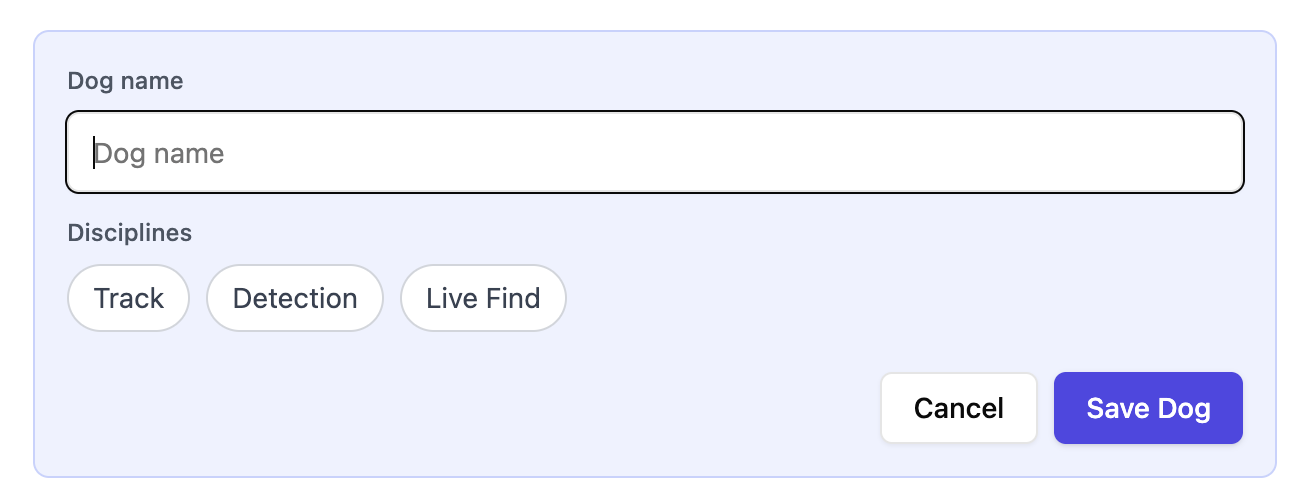
Click Add Dog to add a new dog. Enter their name and select the disciplines you would like to track. Detection disciplines include HR / Cadaver, Drugs, Sport, and Evidence.
Need another discipline? Email hitchcock.alyssa@gmail.com and we’ll make it happen!
Create a training event
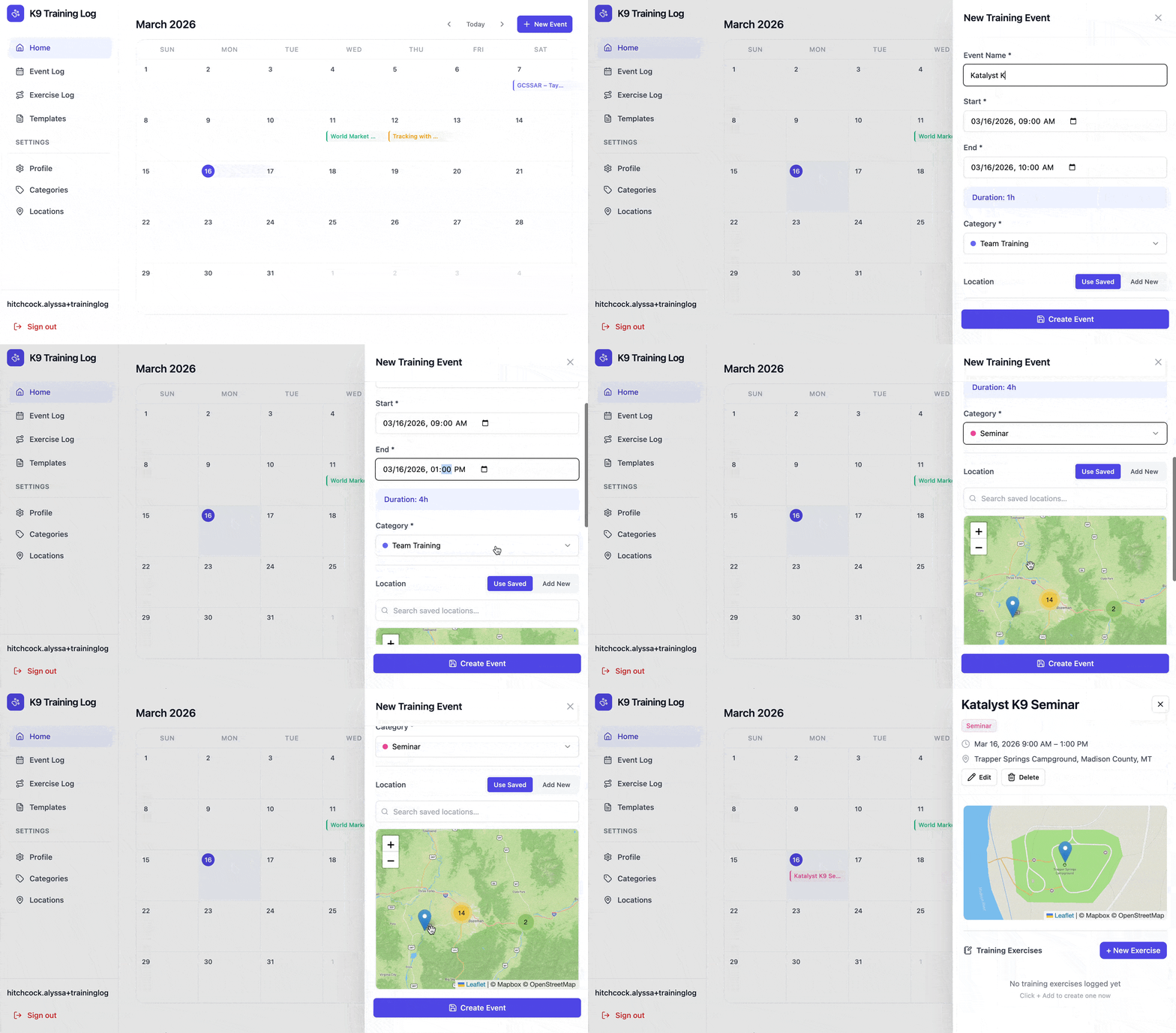
Create an event first, so you can group related exercises together under one record. This makes your data easier to organize, review, and export later. A training event typically includes:- The event name
- Date & time
- Location
- Any other high-level information about the training day
Create a training exercise
Once your event is in place, you can create a exercise log for an individual exercise. To create your first exercise, open your training event and click the New Exercise button. You will be brought to the New Exercise form, where you can add all of the relevant details about your training.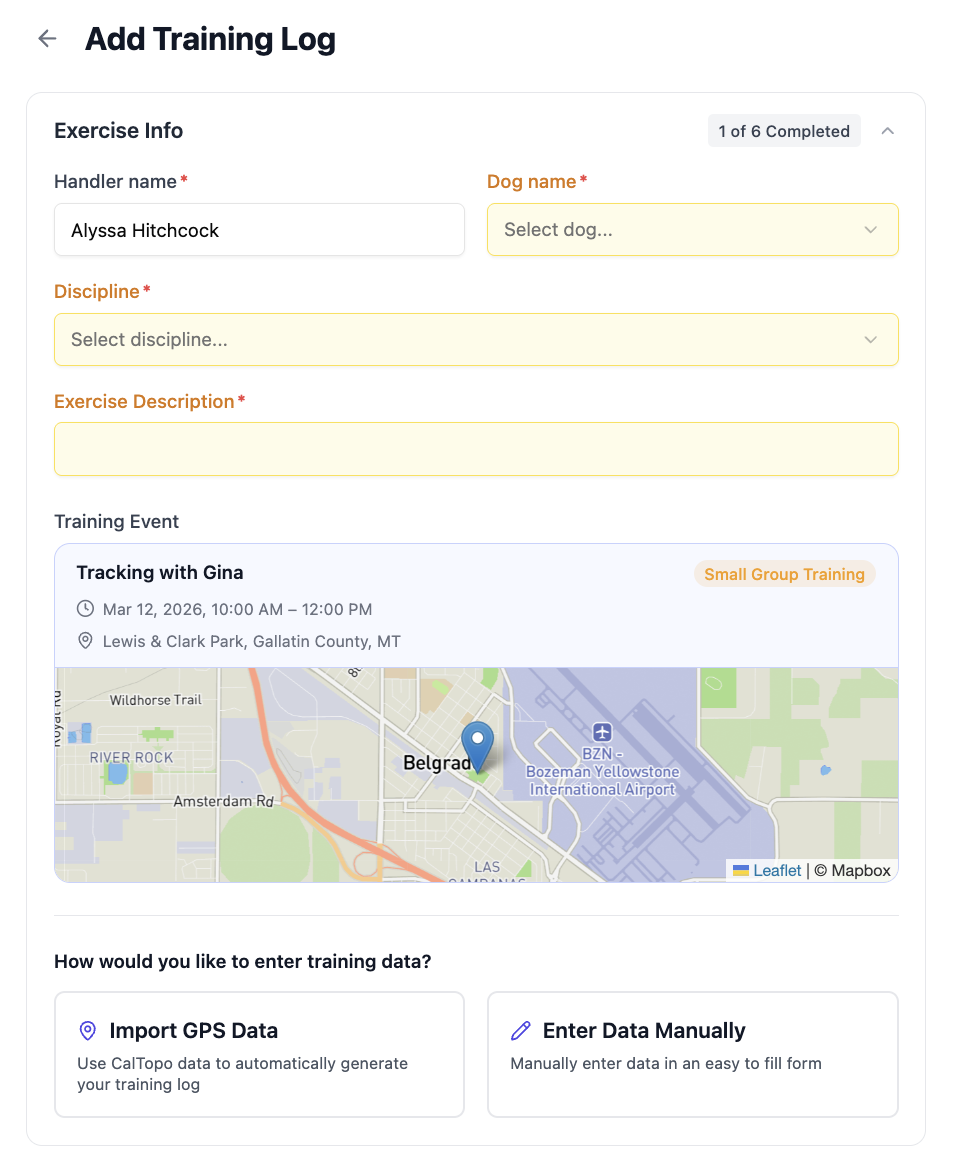
Empty fields highlighted in yellow
Empty fields highlighted in yellow
Fields that haven’t been filled in are automatically highlighted in yellow, so you can easily see what still needs to be completed.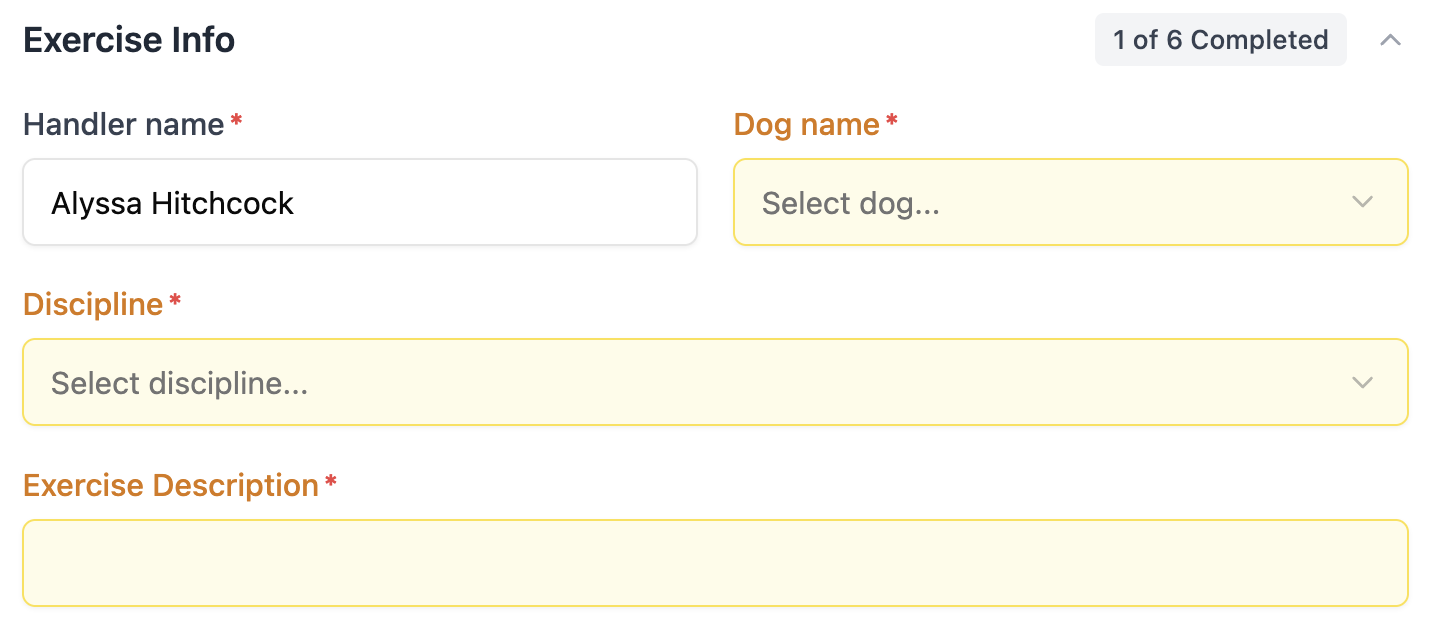
Ability to upload GPS data to reduce manual data entry
Ability to upload GPS data to reduce manual data entry
Upload your exported CalTopo map, or files from your handheld GPS to auto-fill the following info: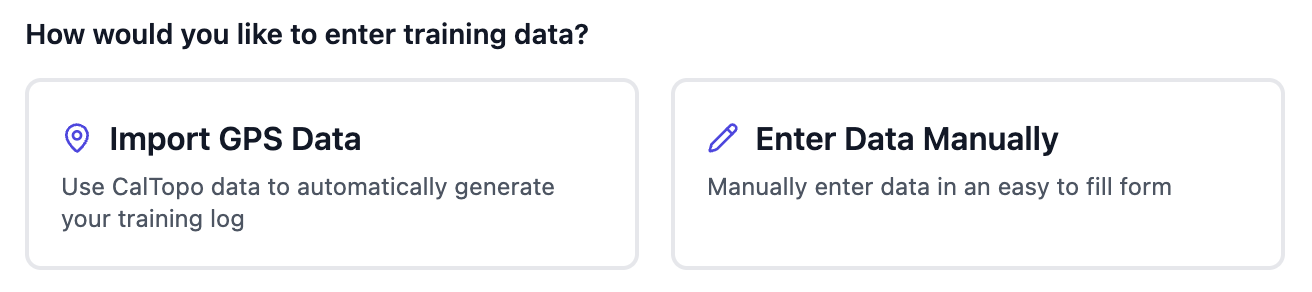
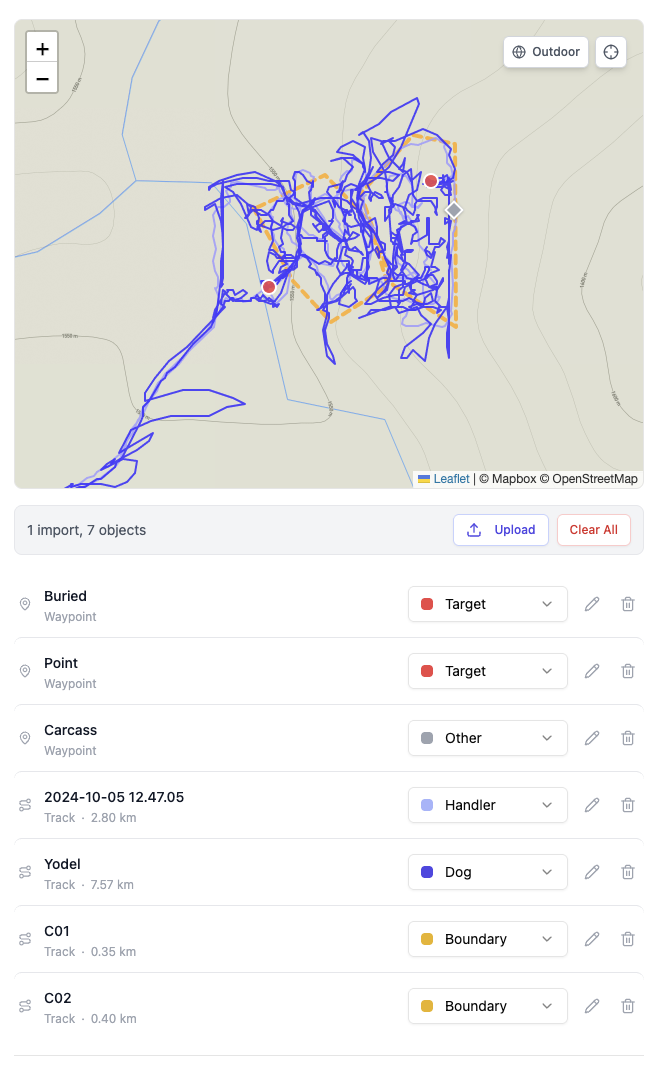
- Set time & worked time
- Location
- Area size (acres)
- Training aid number + placement
Quick select times relative to other data
Quick select times relative to other data
Quick select inputs allow you to enter one date and time and estimate adjacent time entry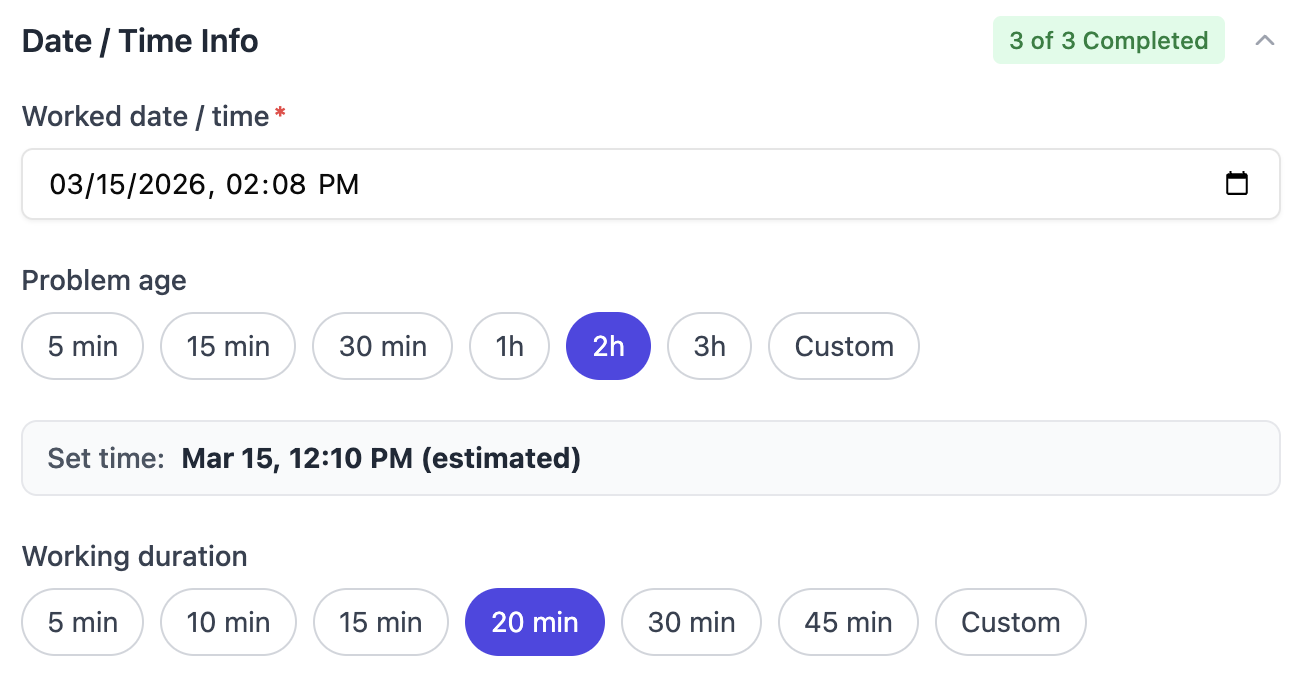
Automatically fetch weather station data for set time & worked time
Automatically fetch weather station data for set time & worked time
Use the lat/long from your GPS coordinates or saved event location to look up recorded weather station data for the set + worked time. Of course, it’s always editable!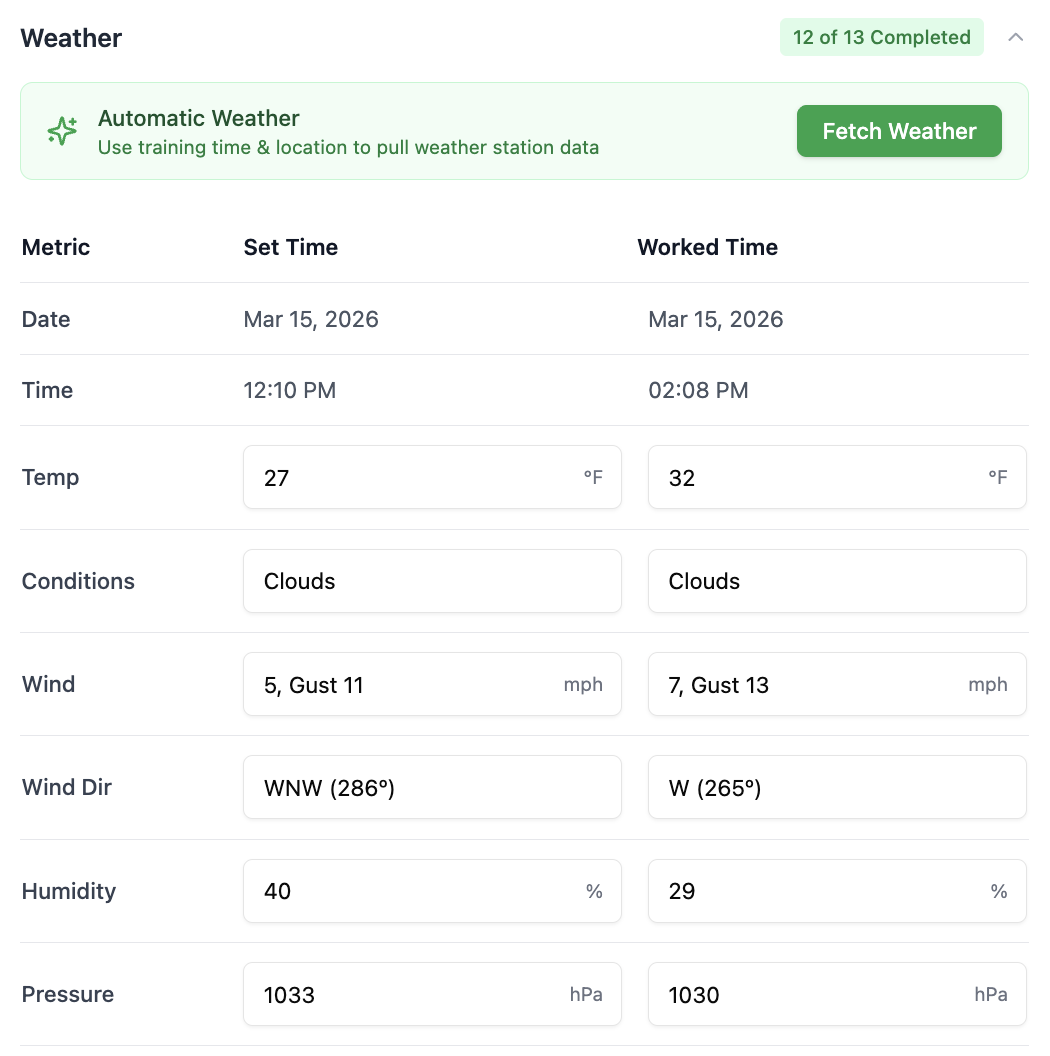
Quick select details like terrain & distraction
Quick select details like terrain & distraction
Quick select from common setups and easily add custom options without leaving the page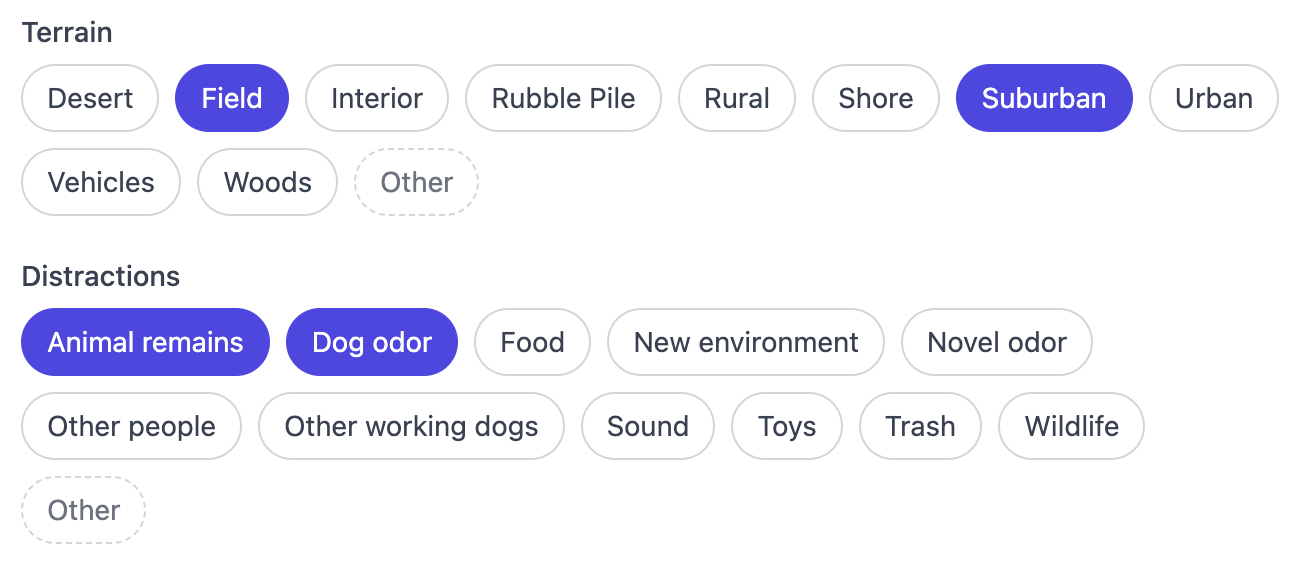
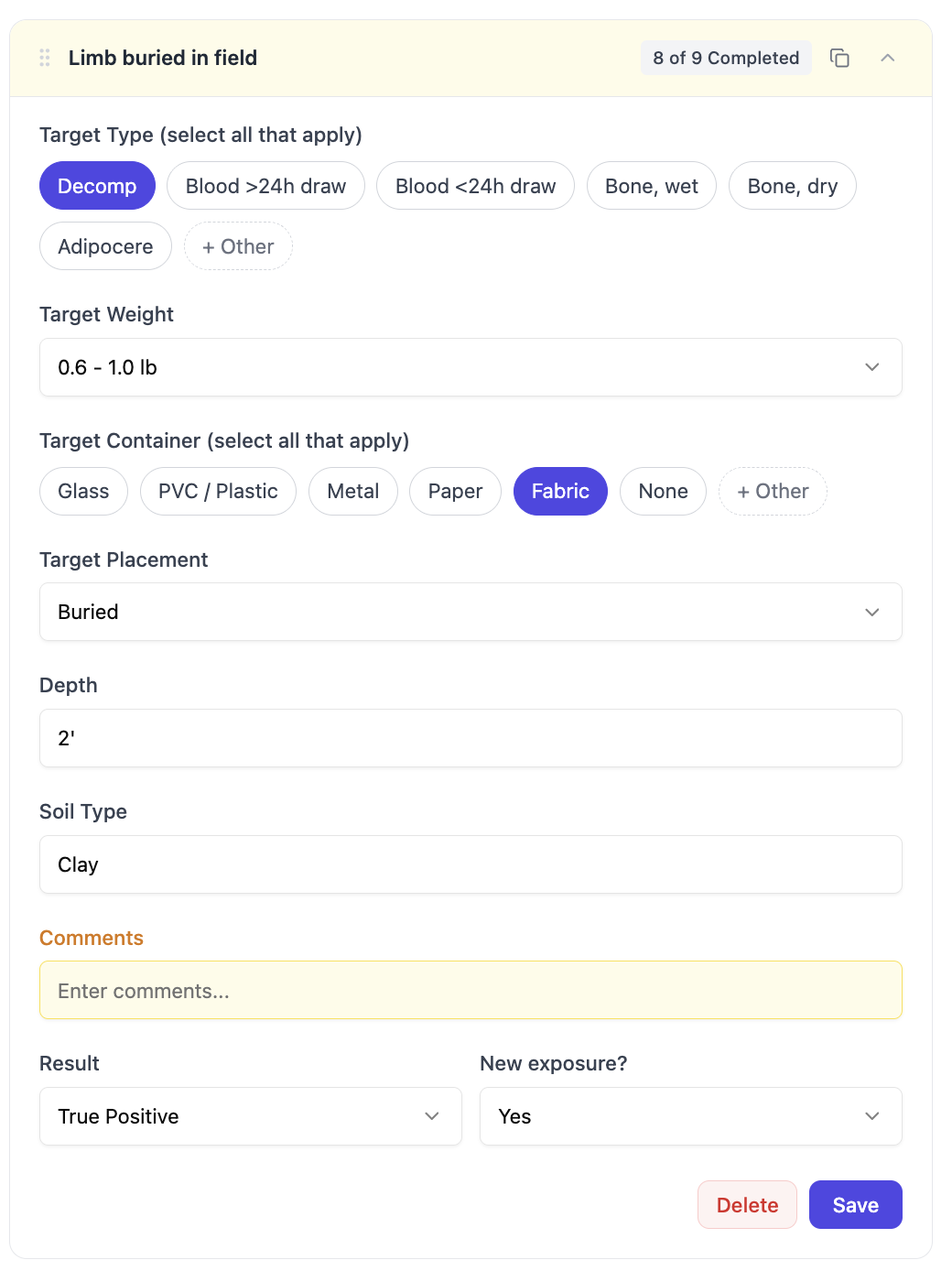
Add details for each target worked
Add details for each target worked
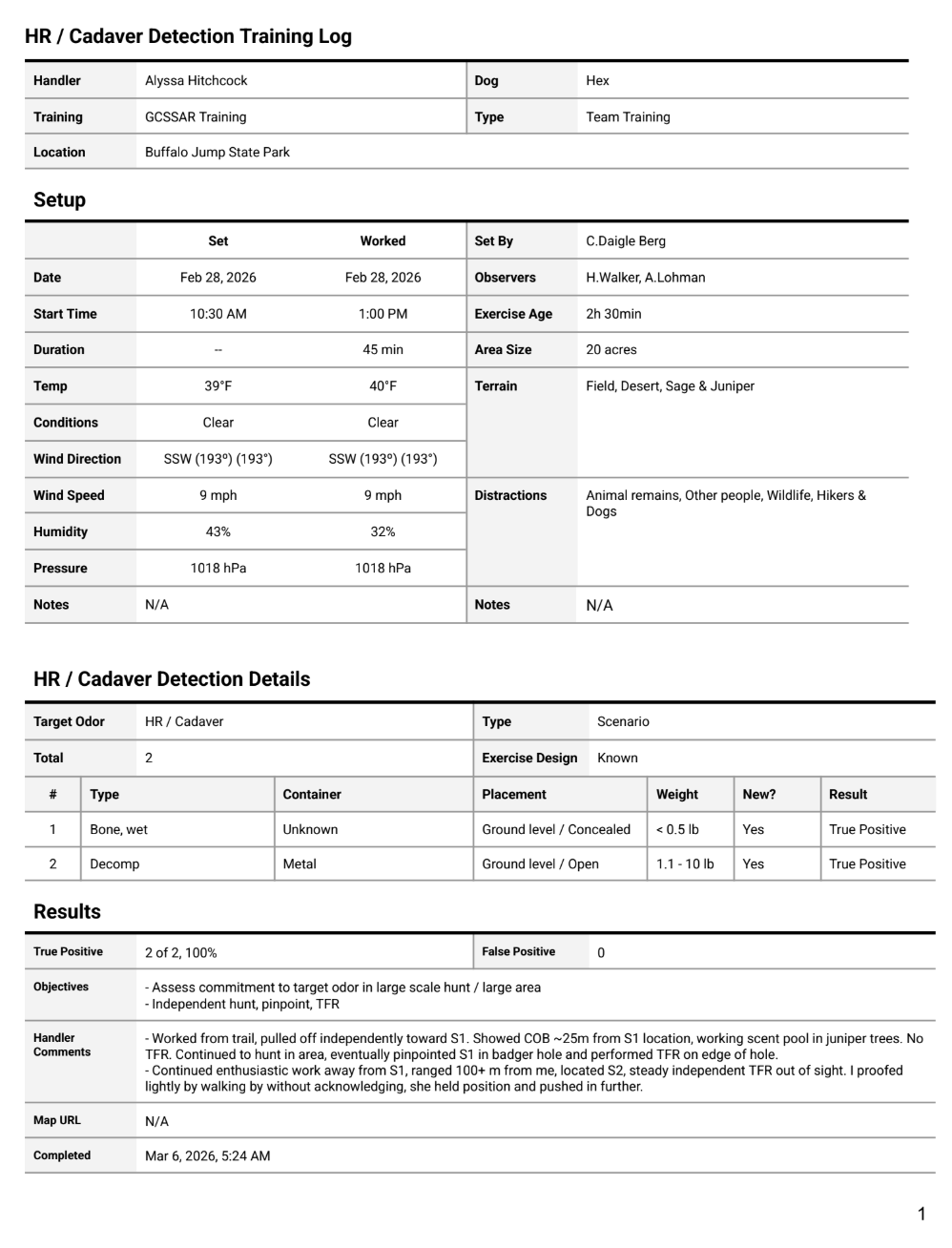
Generate a PDF for your records
Generate a PDF for your records
Generate a printable PDF with all of your data, emailed directly to you
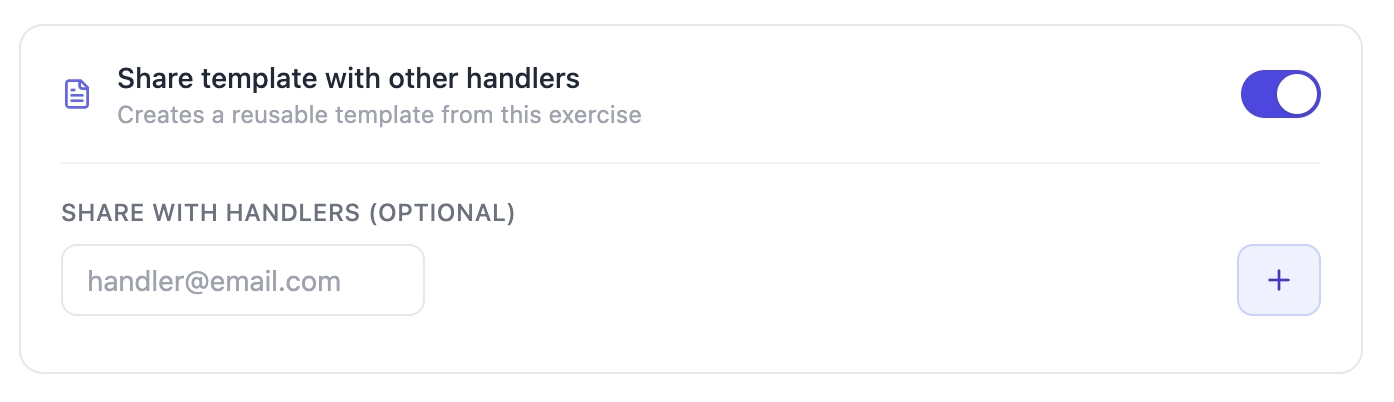
Share with other handlers who worked this exercise so that they can use it for their own training logs