K9 Training Log is not a native app (yet!) but it works well on iOS devices and can be added to your home screen, so that it works similarly to an app. To add to your home screen, follow these instructions:
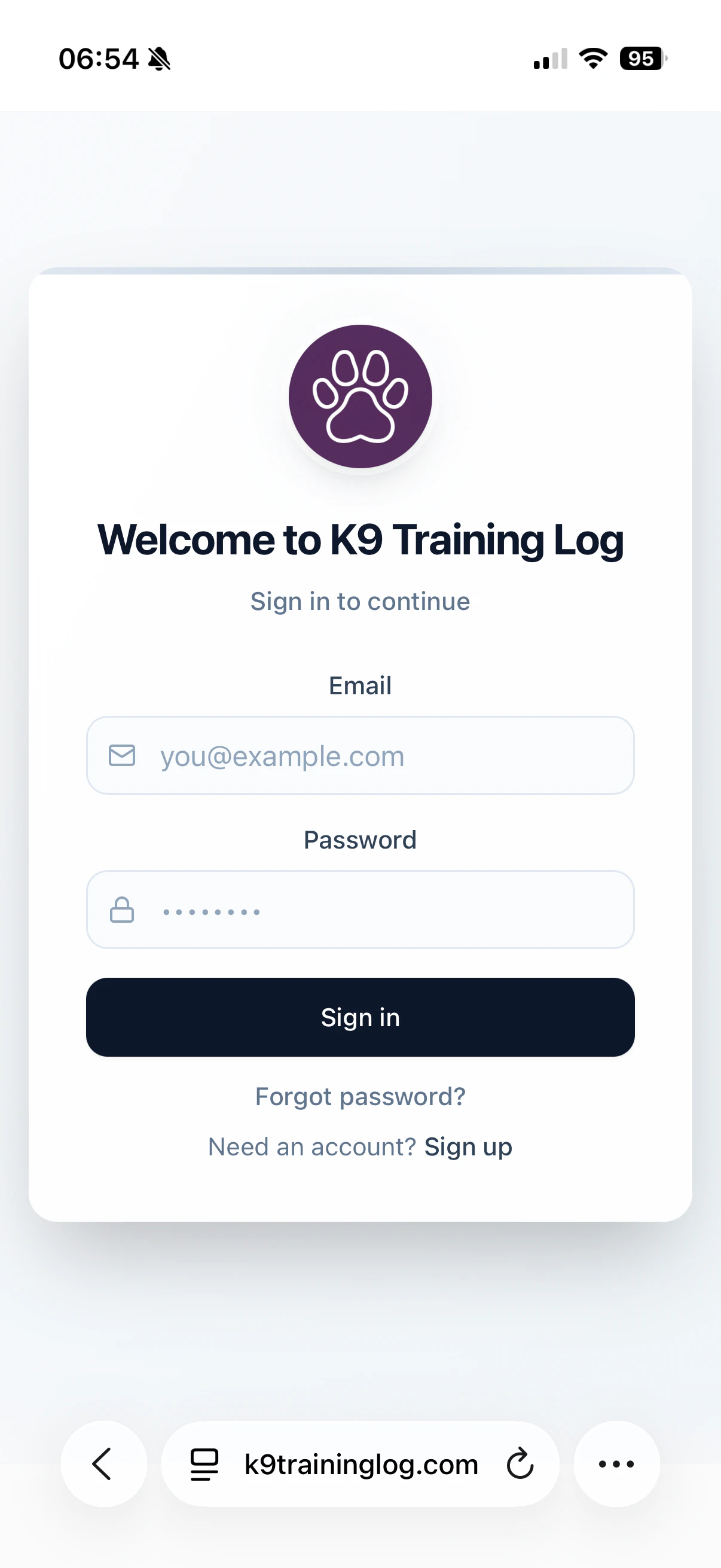
  1. Open K9TrainingLog.com in the Safari app and log in to your account
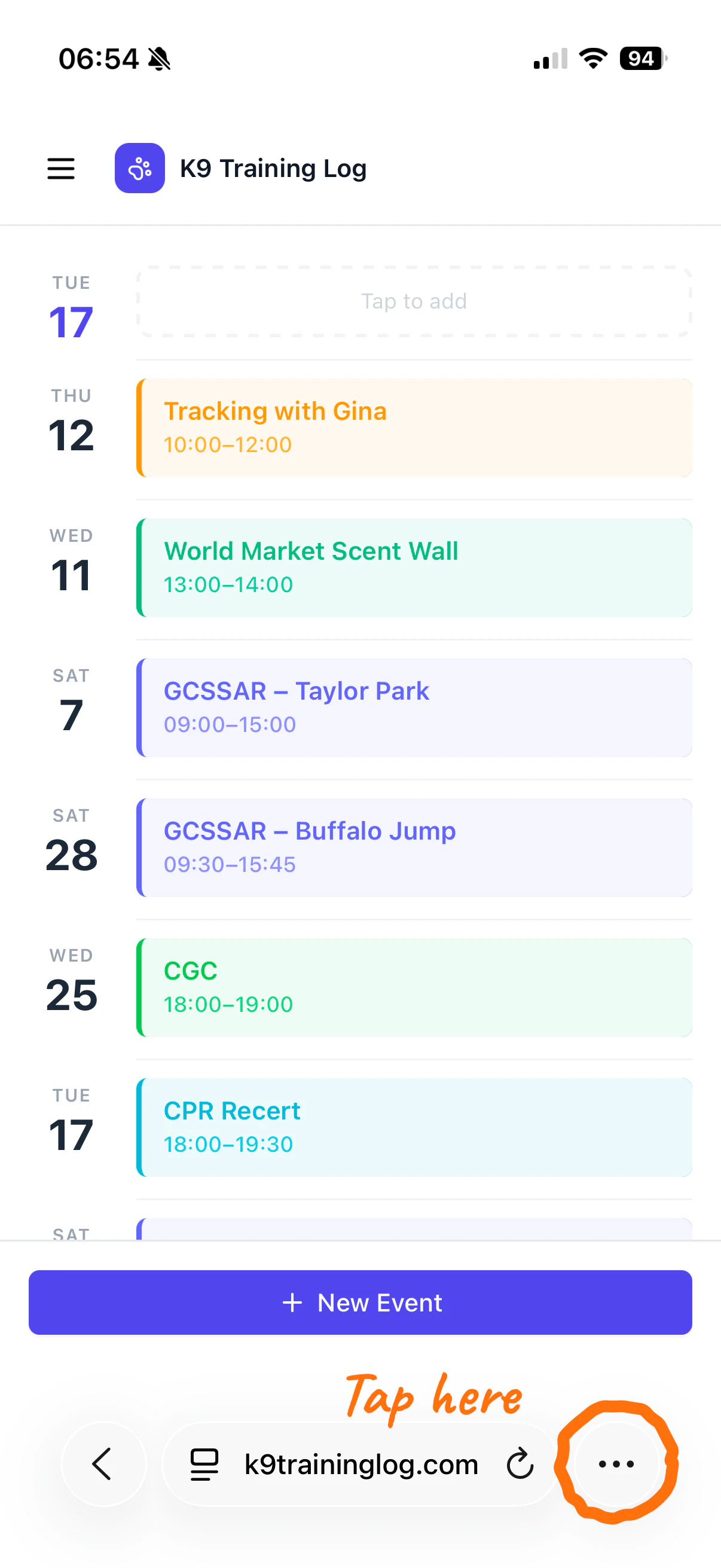
  2. Tap the 3 dot icon in the bottom right corner
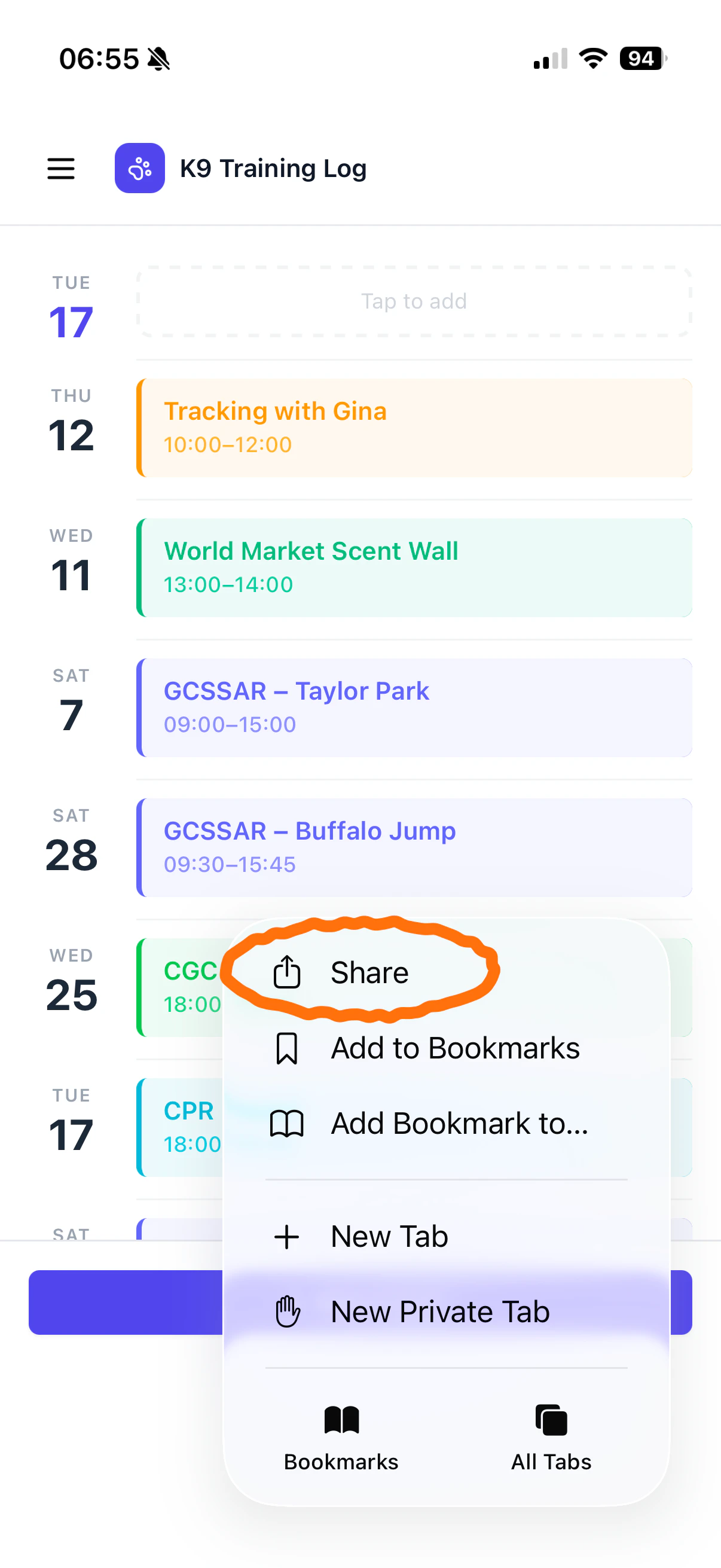
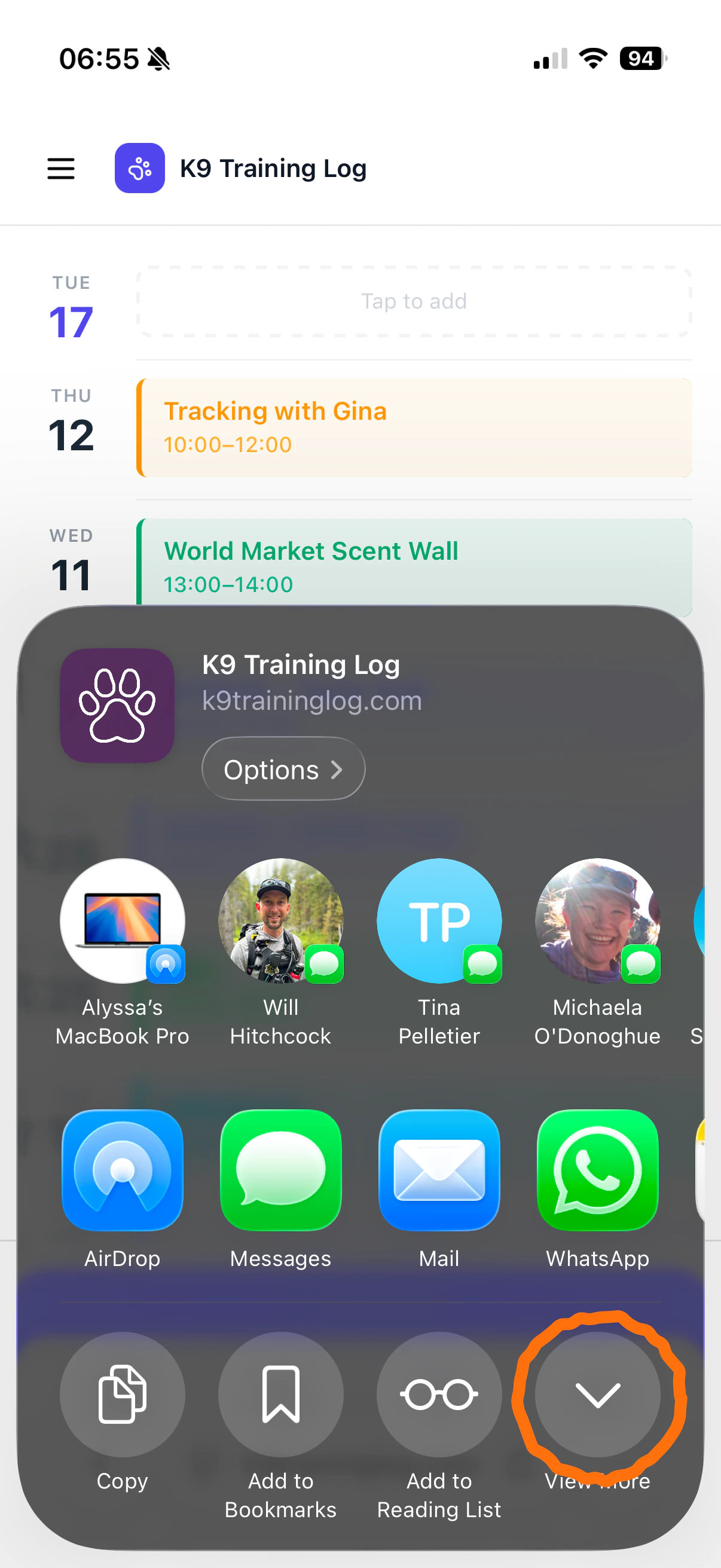
  3. Select Share
  4. Tap View more in the bottom right corner
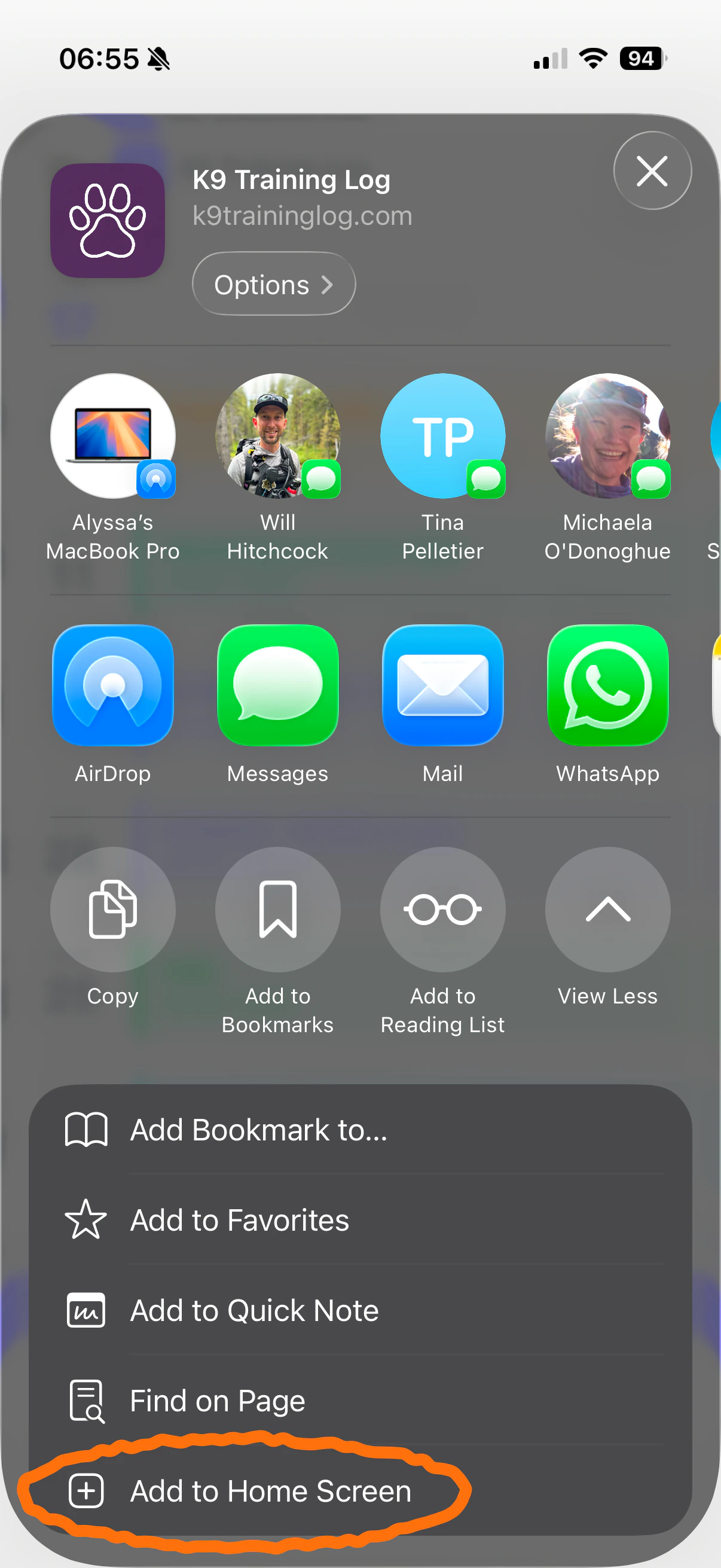
  5. Tap Add to Home Screen at the very bottom
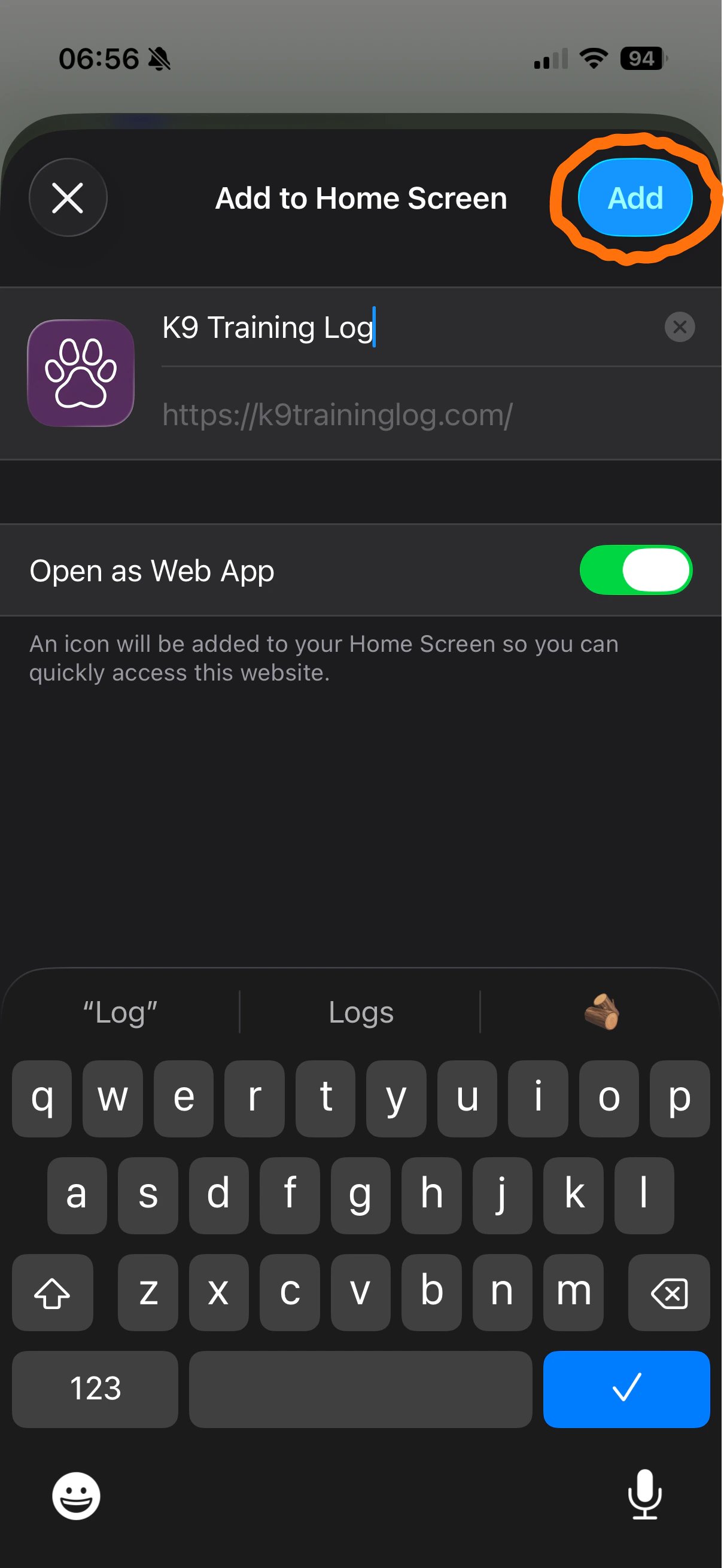
  6. Make sure Open as Web App is green
  7. Tap the blue Add button in the upper right
IMG 7135
IMG 7136 2
IMG 7137
IMG 7138