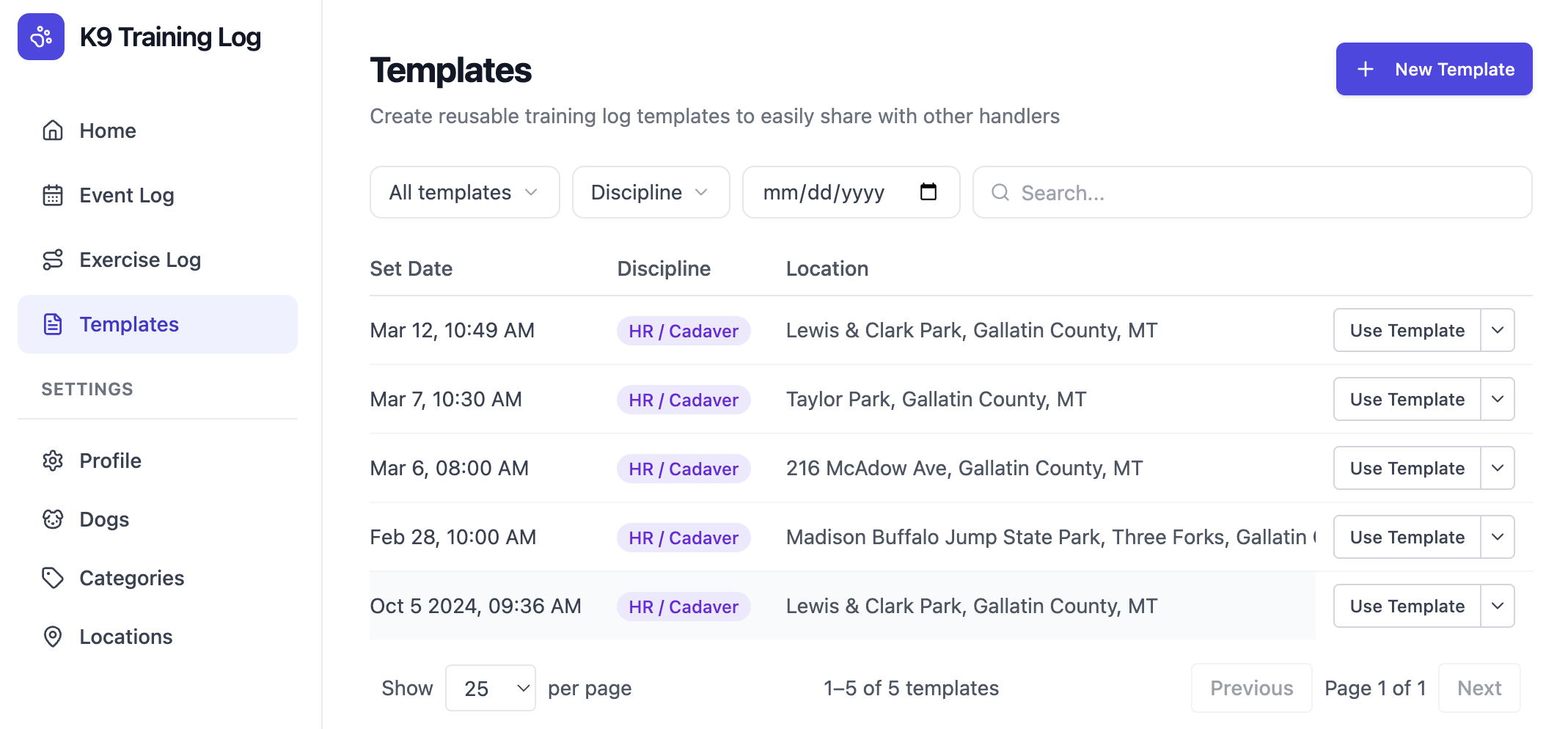
Re-using one of your own exercises?
You don’t need to create a template – just open the exercise and click Copy in the header.
You don’t need to create a template – just open the exercise and click Copy in the header.
What’s included in a template?
Templates include all data that would be consistent from one dog to the next, including:- Exercise set time
- Person who set the exercise
- Location
- Terrain info
- Distraction info
- Exercise type (scenario, drill, etc)
- Area size
- Target info
- Exercise objectives
How to create a template
While filling out your own exercise log
Fill out an exercise log for your own dog. When you get to the bottom, turn on the toggle next to Share template with other handlers and enter their email addresses. They will get an email whether or not they are already signed up for K9 Training Log.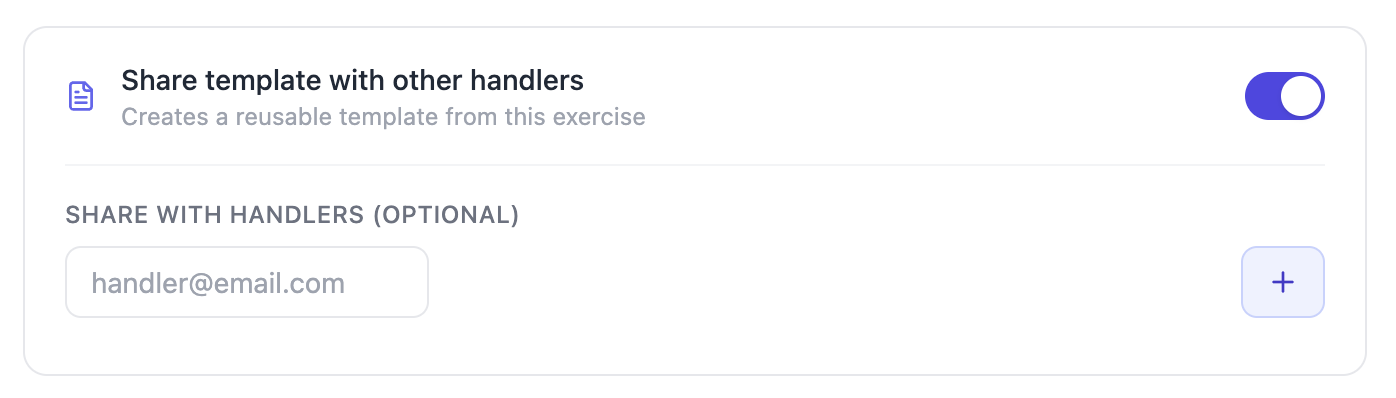
Create a template without an exercise log
Click Templates in the sidebar, and New Template in the upper right corner. The form will walk you through everything needed to create a new template.