> ## Documentation Index
> Fetch the complete documentation index at: https://docs.k9traininglog.com/llms.txt
> Use this file to discover all available pages before exploring further.
# Quick Start Guide
## Welcome!
K9 Training Log is a training record system built specifically for working dog teams. It helps handlers document training in a structured, consistent way so records are easier to create, review, search, and share. Instead of relying on notebooks, scattered documents, or spreadsheets, K9 Training Log gives you one place to keep your training history organized.
## Get started with K9 Training Log
This guide walks you through the fastest way to get up and running in K9 Training Log. If you are new to the platform, start here. By the end of this guide, you will have:
* Added your dogs
* Created a training event
* Created a training log
### Complete your Profile
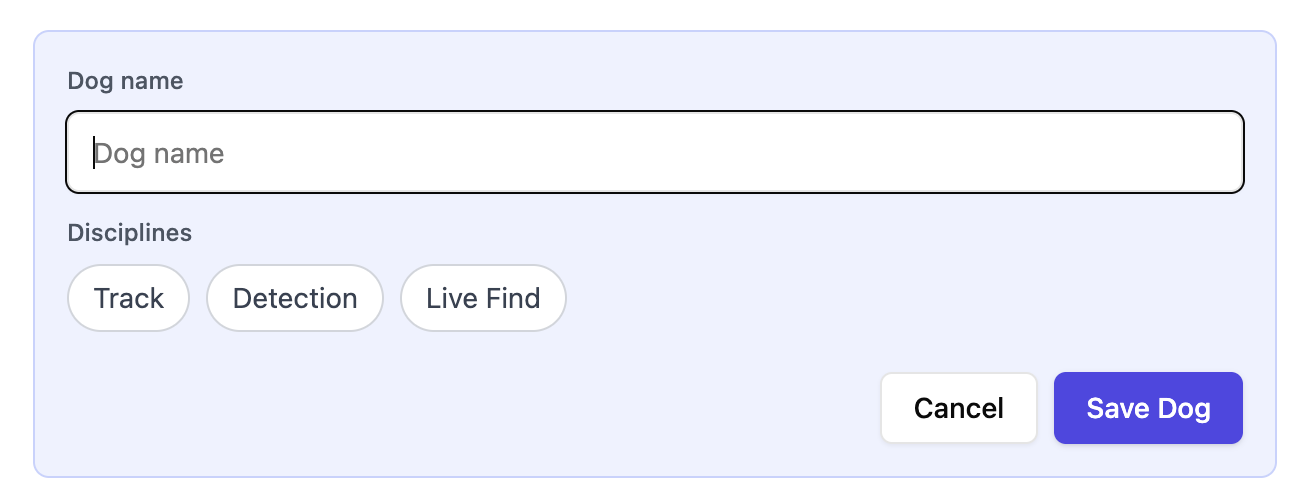
 Click **Add Dog** to add a new dog. Enter their name and select the disciplines you would like to track. Detection disciplines include HR / Cadaver, Drugs, Sport, and Evidence.\
 **Need another discipline?** Email [hitchcock.alyssa@gmail.com](mailto:hitchcock.alyssa@gmail.com) and we'll make it happen!
## Create a training event
A **training event** is the training day or activity that your **exercise logs** belong to.\
*For example: Katalyst K9 HRD Seminar Day 1, 9:00 AM - 5:00 PM*
Create an event first, so you can group related exercises together under one record. This makes your data easier to organize, review, and export later. A training event typically includes:
* The event name
* Date & time
* Location
* Any other high-level information about the training day
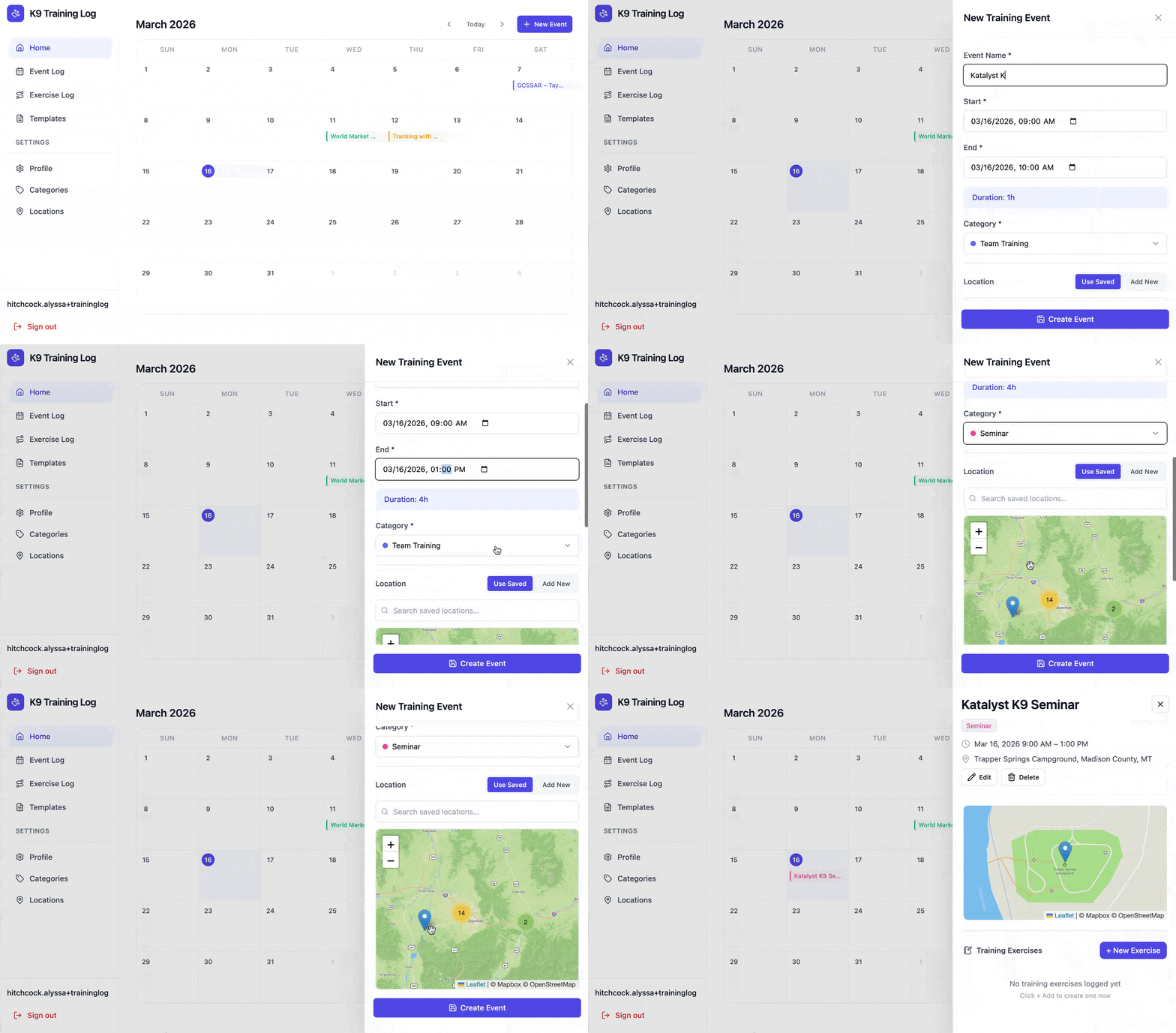
To create your first event, just click a date on the calendar or click the **New Event** button. Fill in your event details and click **Create Event**
**Need another discipline?** Email [hitchcock.alyssa@gmail.com](mailto:hitchcock.alyssa@gmail.com) and we'll make it happen!
## Create a training event
A **training event** is the training day or activity that your **exercise logs** belong to.\
*For example: Katalyst K9 HRD Seminar Day 1, 9:00 AM - 5:00 PM*
Create an event first, so you can group related exercises together under one record. This makes your data easier to organize, review, and export later. A training event typically includes:
* The event name
* Date & time
* Location
* Any other high-level information about the training day
To create your first event, just click a date on the calendar or click the **New Event** button. Fill in your event details and click **Create Event**
 ## Create a training exercise
A **training exercise** captures the specific details of one exercise your dog worked.\
*For example: Barn Scenario, HR/Cadaver Detection, 2:30 PM - 3:15 PM*
Once your **event** is in place, you can create a **exercise log** for an individual exercise. To create your first exercise, open your training event and click the **New Exercise** button.
You will be brought to the **New Exercise form,** where you can add all of the relevant details about your training.
## Create a training exercise
A **training exercise** captures the specific details of one exercise your dog worked.\
*For example: Barn Scenario, HR/Cadaver Detection, 2:30 PM - 3:15 PM*
Once your **event** is in place, you can create a **exercise log** for an individual exercise. To create your first exercise, open your training event and click the **New Exercise** button.
You will be brought to the **New Exercise form,** where you can add all of the relevant details about your training.
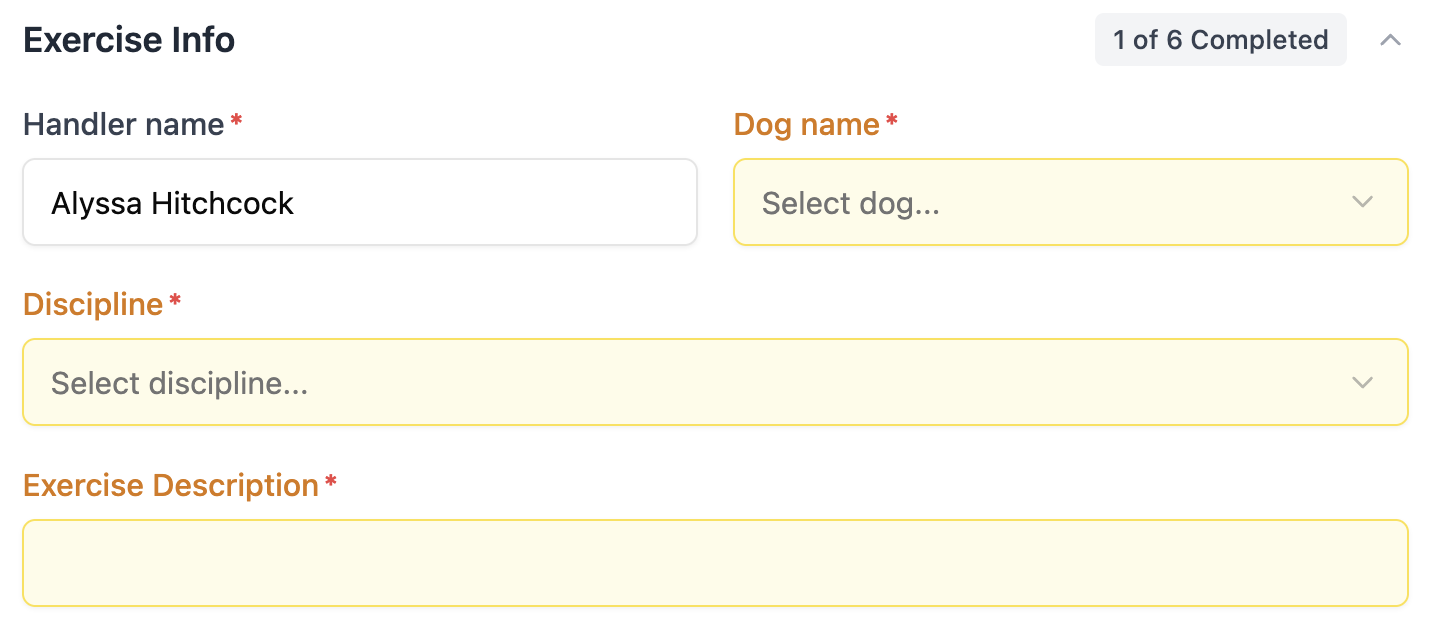
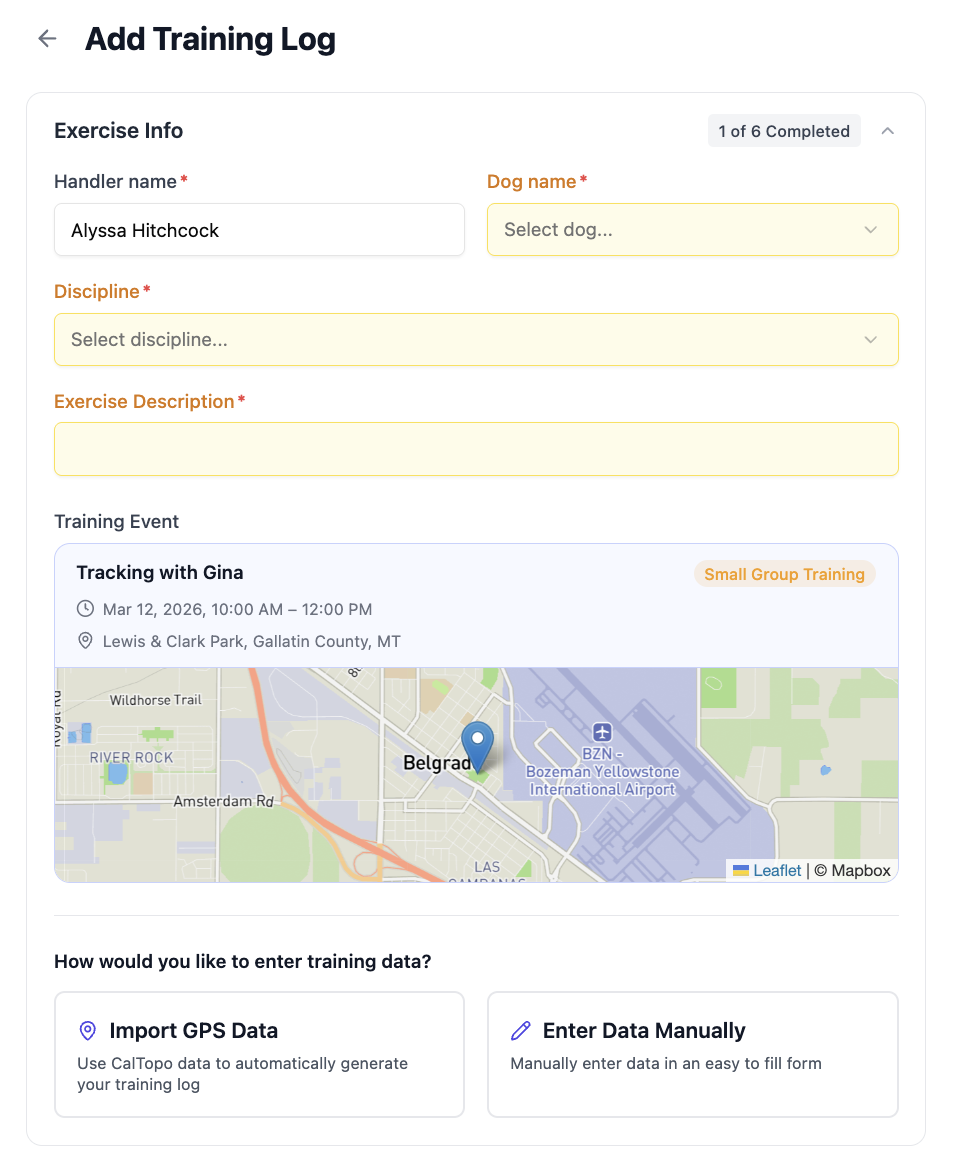 **This form was designed to be very easy to use!**
Fields that haven't been filled in are automatically highlighted in yellow, so you can easily see what still needs to be completed.
**This form was designed to be very easy to use!**
Fields that haven't been filled in are automatically highlighted in yellow, so you can easily see what still needs to be completed.
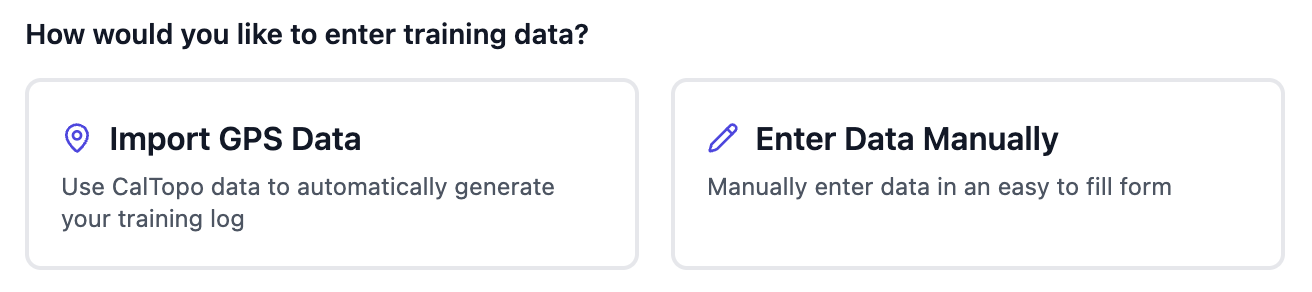
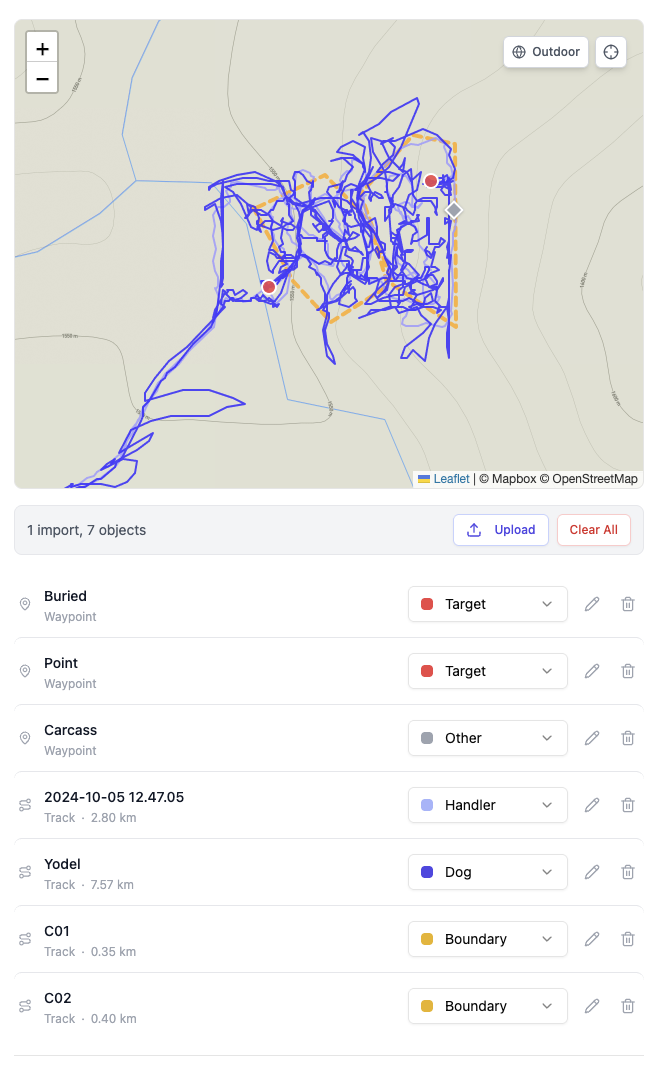
 Upload your exported CalTopo map, or files from your handheld GPS to auto-fill the following info:
* Set time & worked time
* Location
* Area size (acres)
* Training aid number + placement
Upload your exported CalTopo map, or files from your handheld GPS to auto-fill the following info:
* Set time & worked time
* Location
* Area size (acres)
* Training aid number + placement
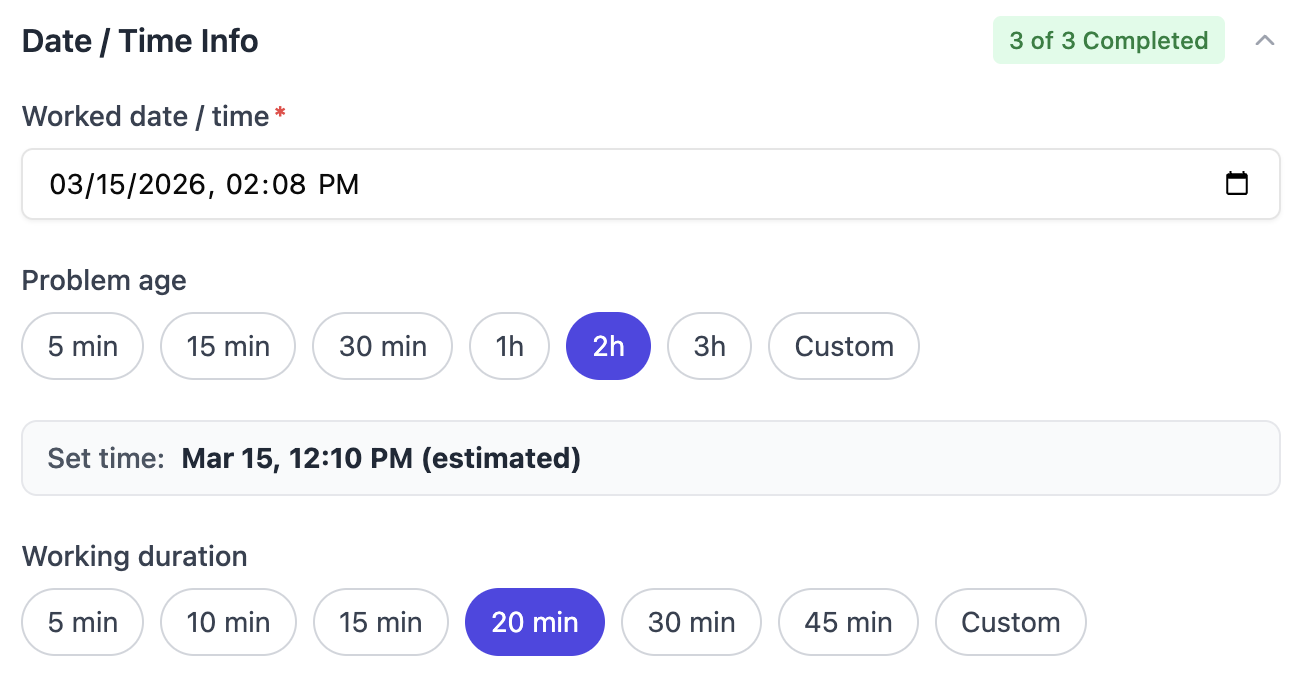
 Quick select inputs allow you to enter one date and time and estimate adjacent time entry
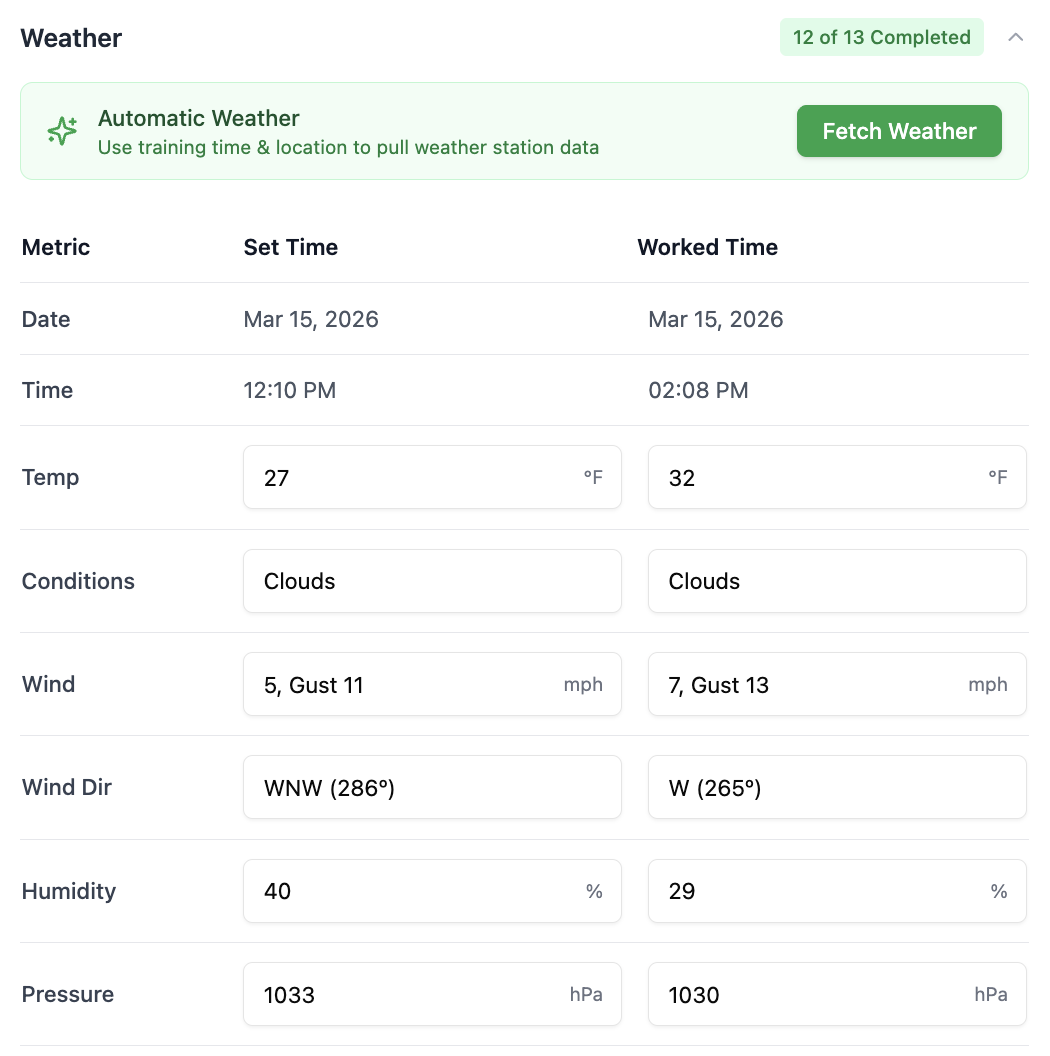
 Use the lat/long from your GPS coordinates or saved event location to look up recorded weather station data for the set + worked time. Of course, it's always editable!
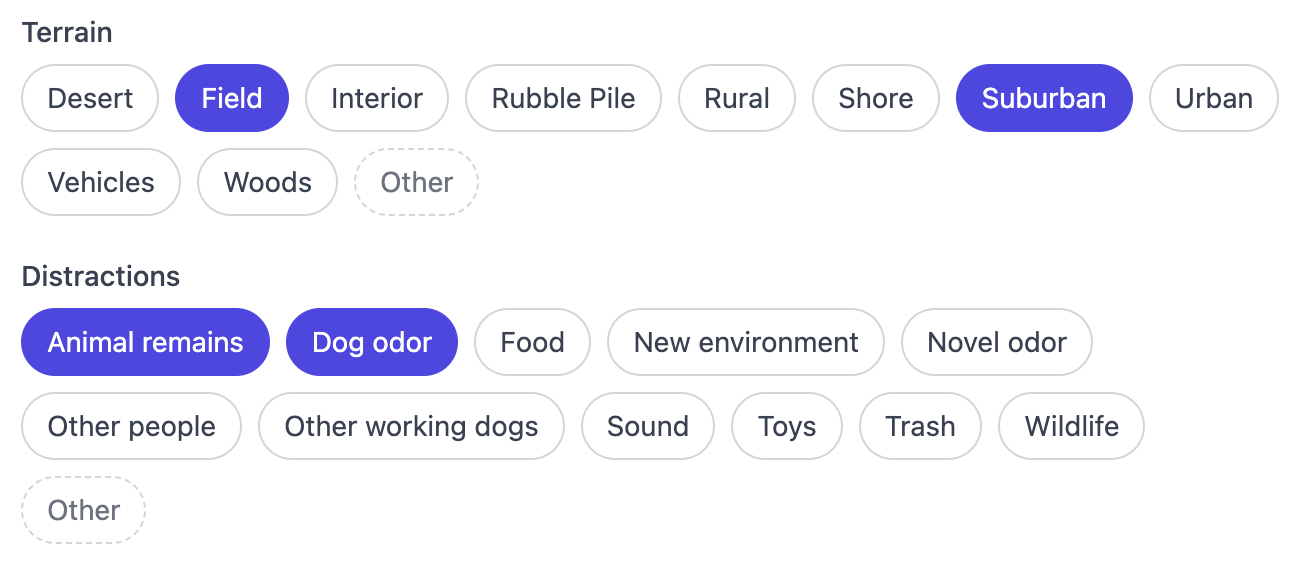
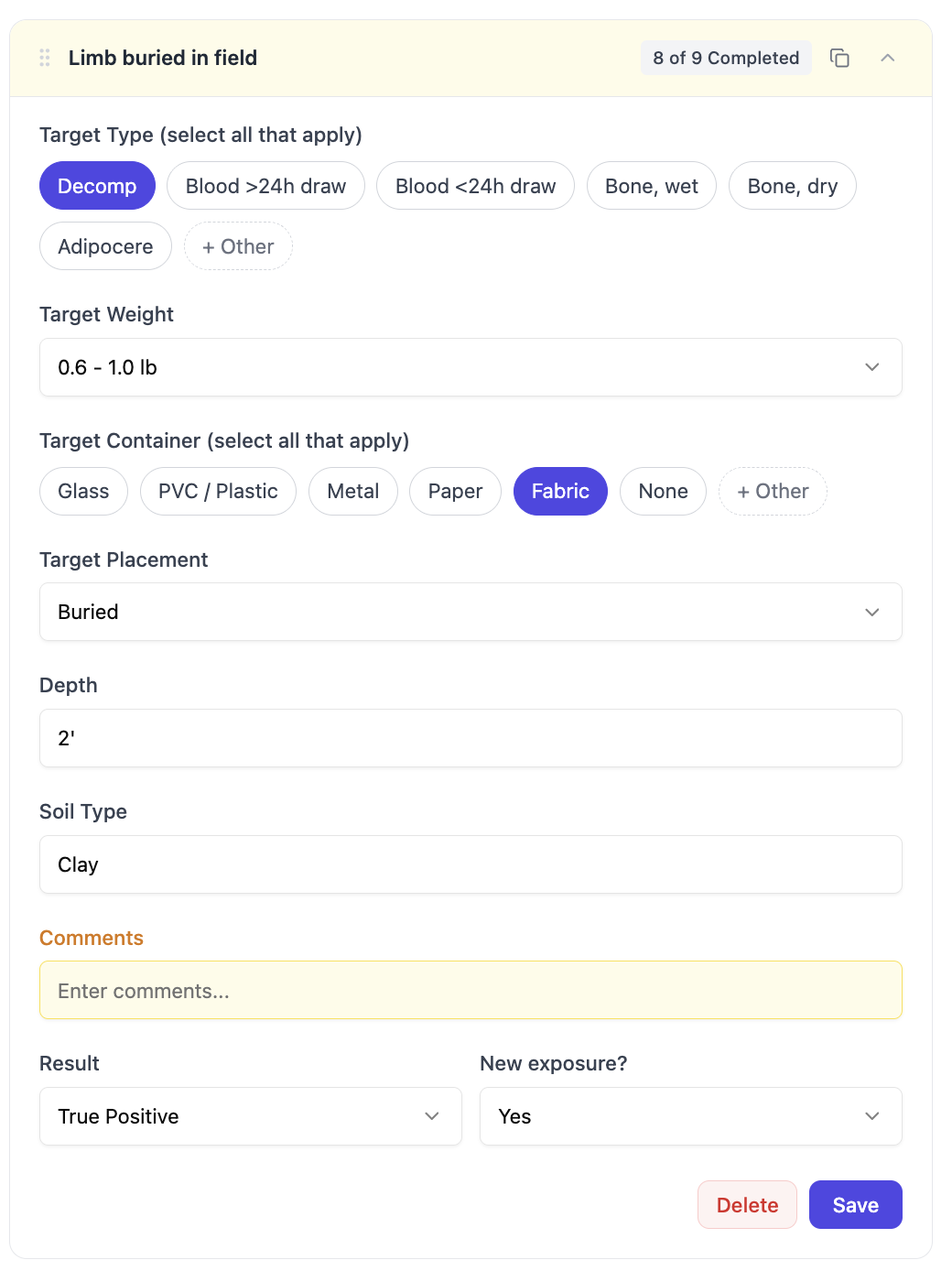
 Quick select from common setups and easily add custom options without leaving the page
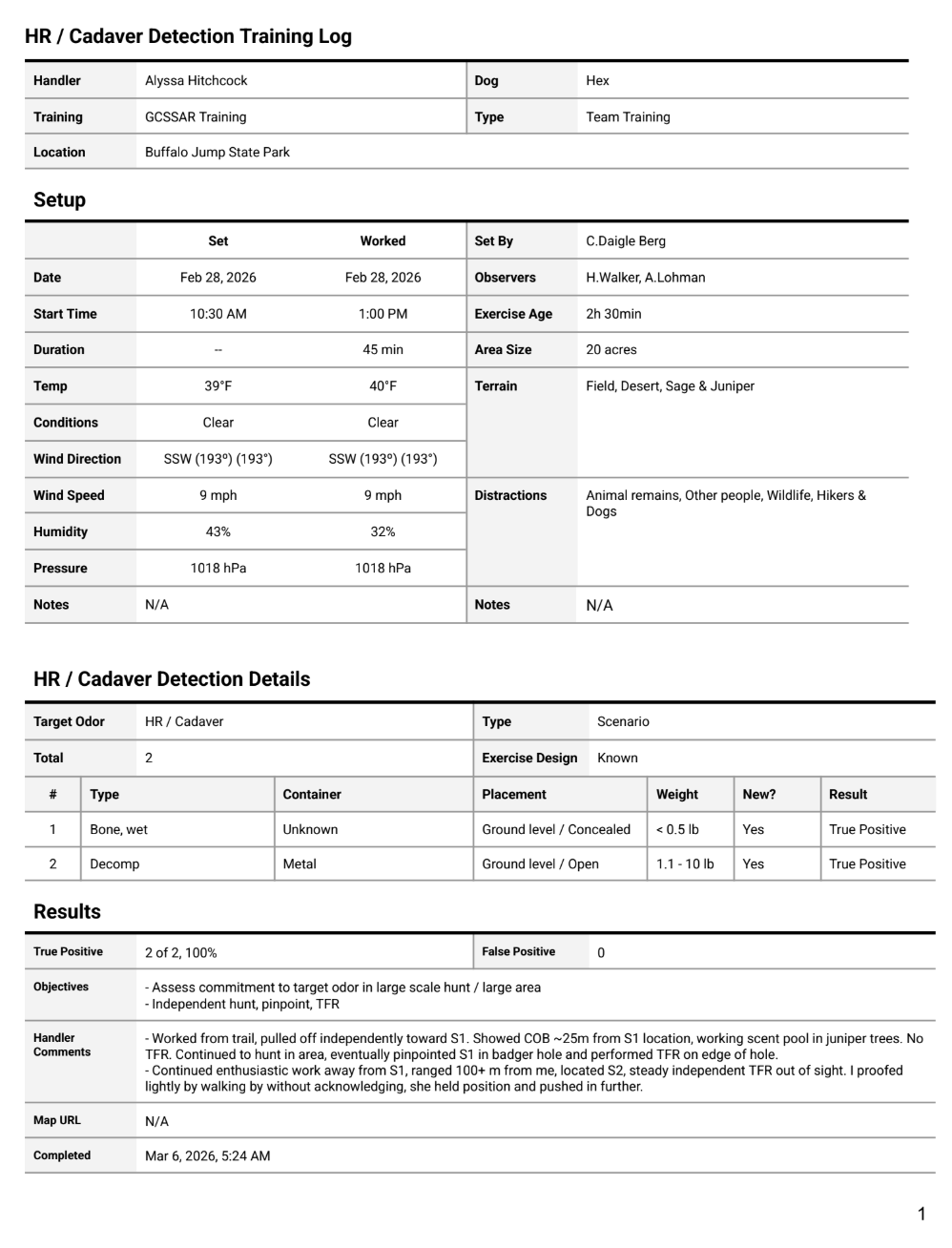
 Generate a printable PDF with all of your data, emailed directly to you

 Share with other handlers who worked this exercise so that they can use it for their own training logs