> ## Documentation Index
> Fetch the complete documentation index at: https://docs.k9traininglog.com/llms.txt
> Use this file to discover all available pages before exploring further.
# Creating & Using Templates
Create a template any time you want to **share exercise data with another handler.**
**Re-using one of your own exercises?** \
You don't need to create a template – just open the exercise and click **Copy** in the header.
 ## What's included in a template?
Templates include all data that would be consistent from one dog to the next, including:
* Exercise set time
* Person who set the exercise
* Location
* Terrain info
* Distraction info
* Exercise type (scenario, drill, etc)
* Area size
* Target info
* Exercise objectives
## How to create a template
### While filling out your own exercise log
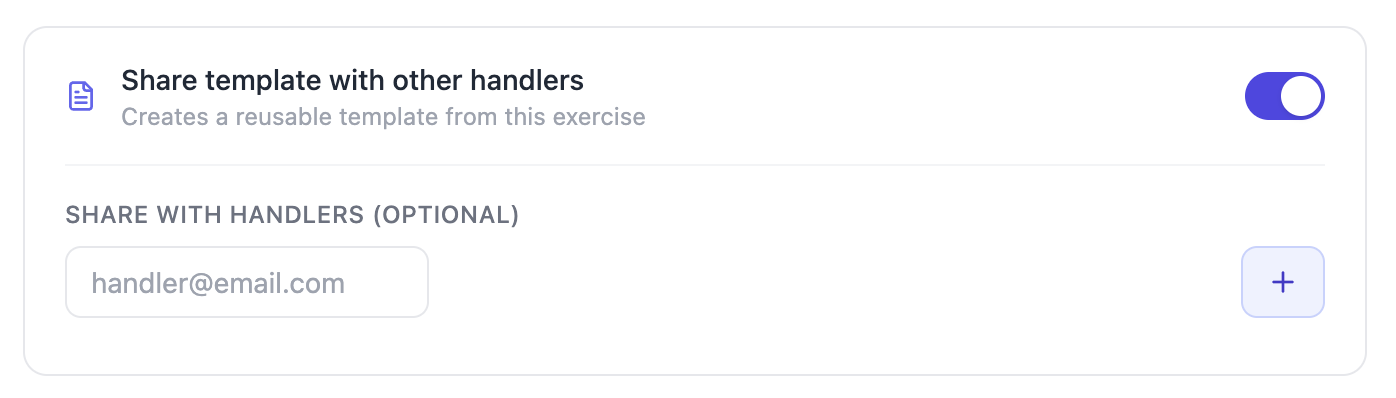
Fill out an exercise log for your own dog. When you get to the bottom, turn on the toggle next to **Share template with other handlers** and enter their email addresses. They will get an email whether or not they are already signed up for K9 Training Log.
## What's included in a template?
Templates include all data that would be consistent from one dog to the next, including:
* Exercise set time
* Person who set the exercise
* Location
* Terrain info
* Distraction info
* Exercise type (scenario, drill, etc)
* Area size
* Target info
* Exercise objectives
## How to create a template
### While filling out your own exercise log
Fill out an exercise log for your own dog. When you get to the bottom, turn on the toggle next to **Share template with other handlers** and enter their email addresses. They will get an email whether or not they are already signed up for K9 Training Log.
 ### Create a template without an exercise log
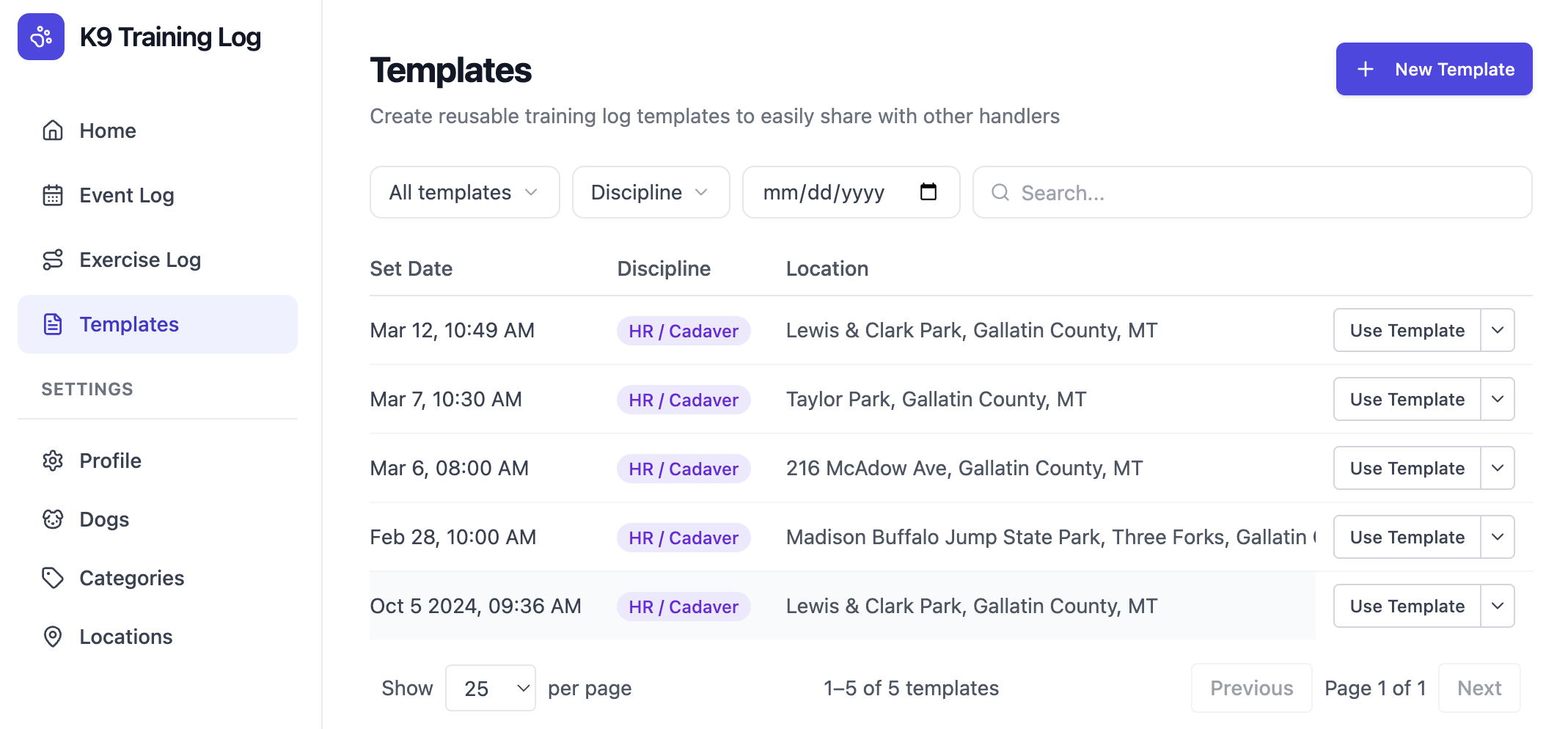
Click **Templates** in the sidebar, and **New Template** in the upper right corner. The form will walk you through everything needed to create a new template.
### Create a template without an exercise log
Click **Templates** in the sidebar, and **New Template** in the upper right corner. The form will walk you through everything needed to create a new template.
 ## How to use a template
If someone shares a template with you, it will show up in your **Templates** tab. Just click **Use Template** and the form will walk you through all of the necessary fields.
**Need to change something?** That's ok – all of the prefilled data is editable.
## How to use a template
If someone shares a template with you, it will show up in your **Templates** tab. Just click **Use Template** and the form will walk you through all of the necessary fields.
**Need to change something?** That's ok – all of the prefilled data is editable.